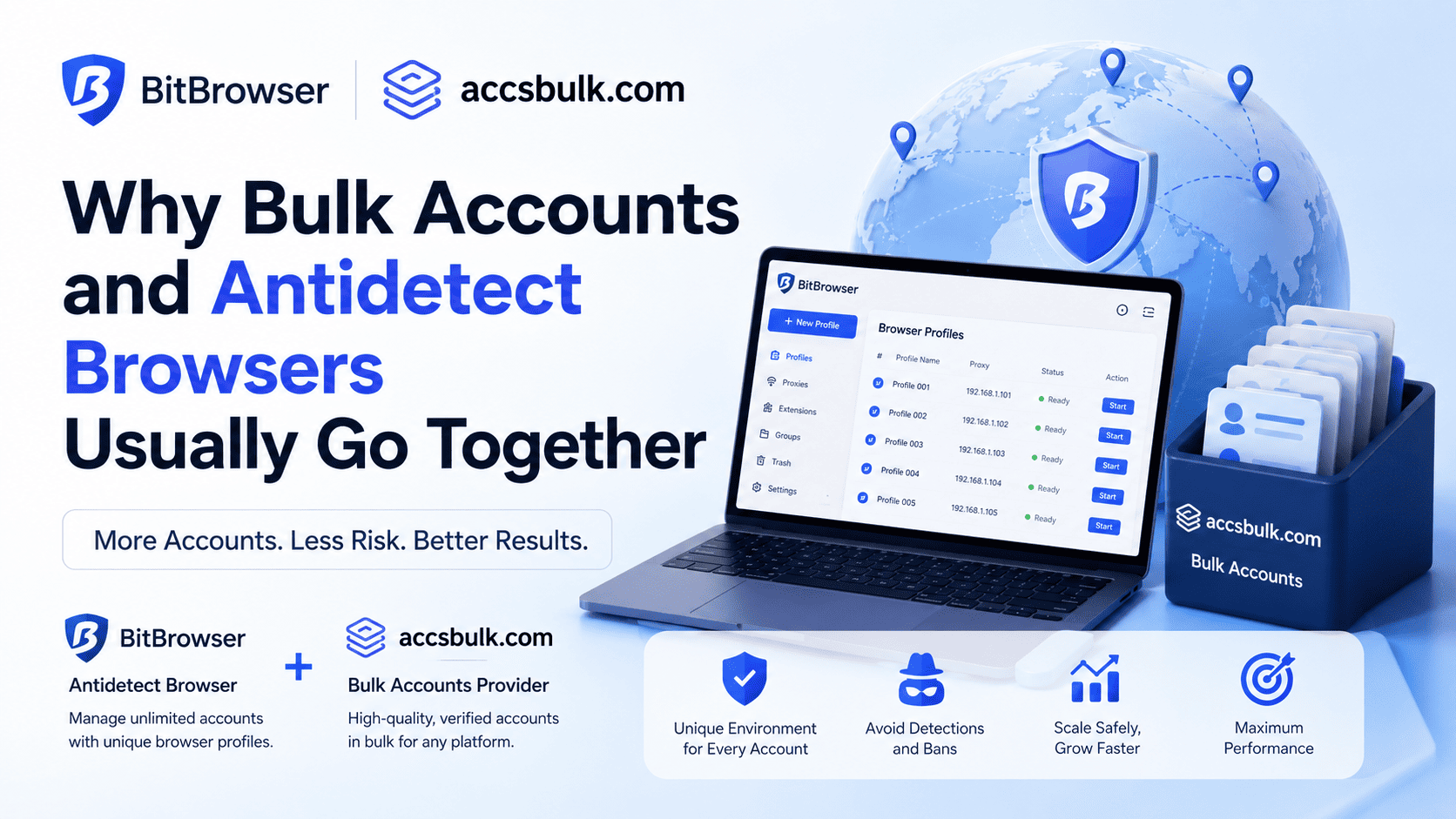
Why Bulk Accounts and Antidetect Browsers Usually Go Together
Every login carries dozens of small data points: screen resolution, GPU renderer string, installed fonts, timezone offset, even the way a WebRTC connection leaks a local IP. Platforms like Instagram, TikTok, and Facebook cross-reference all of it the moment an account signs in. That's the part most people skip when they start scaling a social media operation. They buy the accounts. They forget the machine those accounts log in from is talking just as loudly as the account itself.
This is why two very different tools end up in the same toolkit: a marketplace that sells ready-made accounts, and a browser built to hide the device those accounts run on. Neither one solves the whole problem alone.
Why brand-new accounts get flagged fast
A freshly registered account has no history. No follow graph, no post activity, no device consistency — nothing a trust algorithm can use to vouch for it. Combine that with a handful of other new accounts opening from the same laptop, and the platform sees a pattern: same fingerprint, same IP block, same behavior curve, five different names. That's an easy ban, and it usually happens in the first week.
Two separate problems are stacking here. One is the account itself, thin and unproven. The other is the environment it's running in, which looks identical across every profile you open. Fixing only one rarely saves the account.
What aged and verified accounts actually buy you
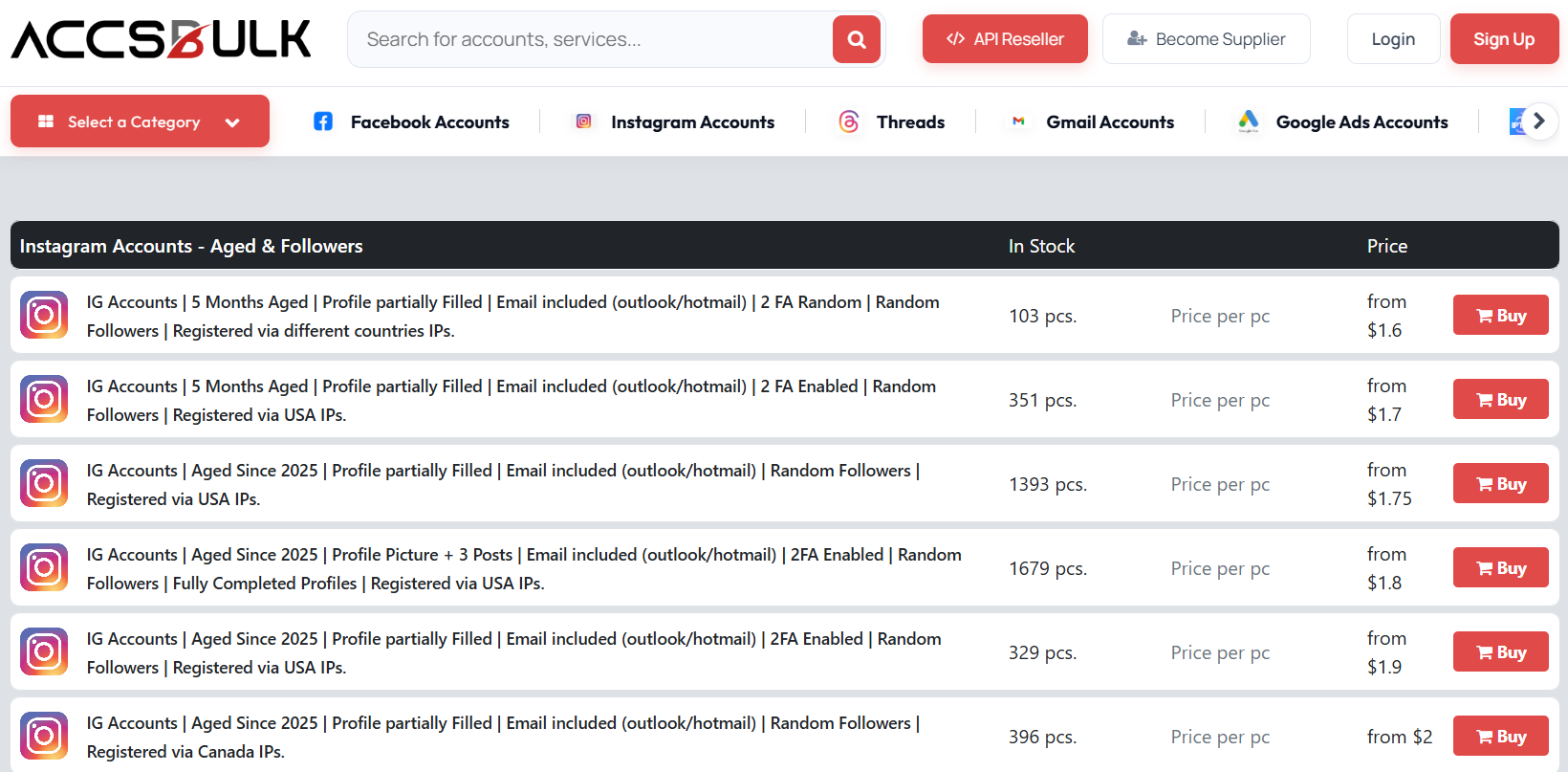
An aged account already has a registration date that's months or years old, sometimes a posting history, sometimes followers. A verified account has already cleared SMS or email confirmation, which is one of the checks a lot of new signups fail automatically. Neither guarantee is permanent, but both remove a chunk of the scrutiny a platform applies to accounts in their first days.
AccsBulk sells this exact category: SMS-verified Instagram and TikTok accounts, built with followers already attached, aimed at people running ads or growth campaigns rather than a single personal profile. Buying in bulk from a source like that skips the slow part of the process — registering, verifying, and warming up dozens of accounts by hand — and gets you straight to accounts that already look like they belong to real people. For agencies running client campaigns on a deadline, that head start is often the difference between launching this week or next month.
Why the account still isn't safe on its own
An aged account logged in from the same browser, same fingerprint, and same IP as nineteen other aged accounts still triggers the exact detection pattern described above. Age helps the account pass initial checks. It does nothing to stop the platform noticing that twenty supposedly unrelated accounts share a device signature.
Here's the part that trips people up. Account age is one trust layer. Device isolation is a completely separate layer — and it's the layer an antidetect browser is built for.
What an antidetect browser is actually doing
An antidetect browser isn't hiding that you're using a browser. It's giving each account its own believable identity: a distinct canvas rendering, a distinct WebGL signature, its own audio fingerprint, timezone, font list, and — critically — its own proxy IP. Open ten profiles and a platform sees ten different-looking devices logging in from ten different locations, not one operator running a spreadsheet of accounts.
BitBrowser as the desktop layer
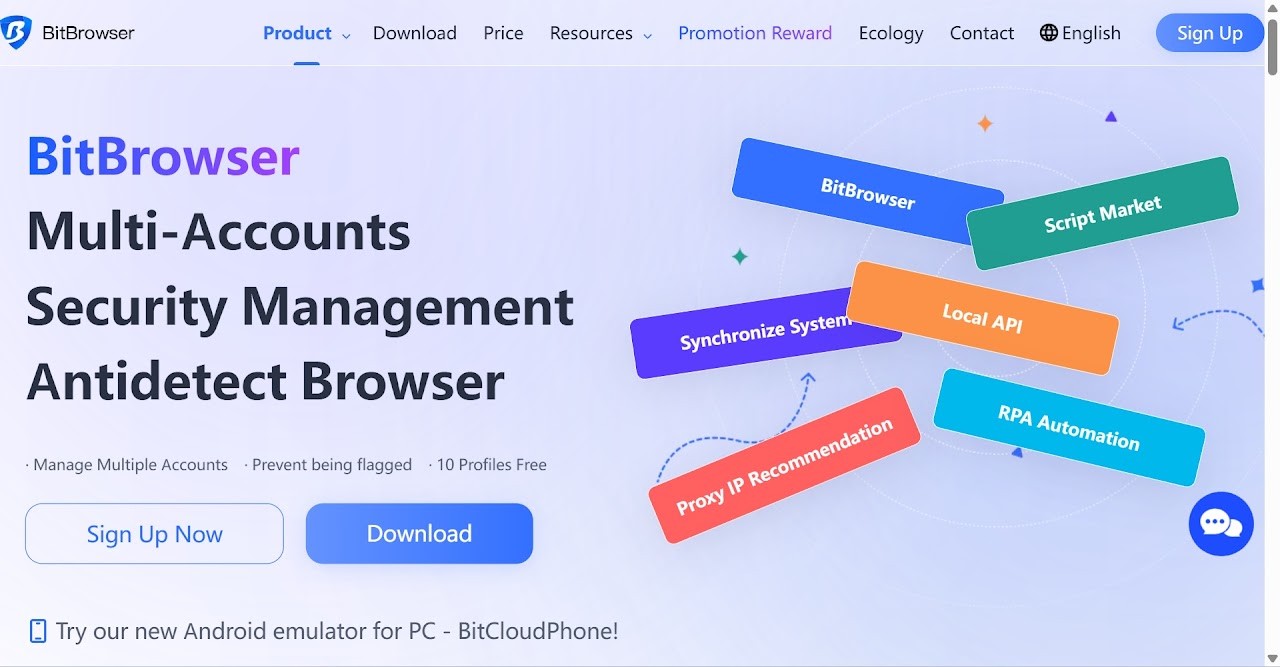
BitBrowser is built around exactly that isolation model. Each profile gets its own Canvas, WebGL, Audio, and WebRTC configuration, plus a Chromium or Firefox kernel you can switch depending on the platform you're targeting. New accounts start on a permanently free tier of 10 profiles, no card required, and paid plans scale up from there for agencies running hundreds of accounts at once. It supports residential, datacenter, and mobile proxies, which matters because pairing an aged UK Instagram account with a US datacenter IP is its own red flag.
For teams, BitBrowser adds role-based sub-accounts so a manager can hand specific profiles to specific staff without sharing credentials, plus a local API and RPA automation for anyone who wants to script profile creation, proxy assignment, or routine account activity instead of clicking through it manually. It's not the only antidetect browser on the market, but the combination of a genuinely free entry tier, granular fingerprint control, and straightforward proxy handling is why it's become a default starting point for people managing bulk accounts rather than a single business profile.
BitCloudPhone for mobile-first platforms
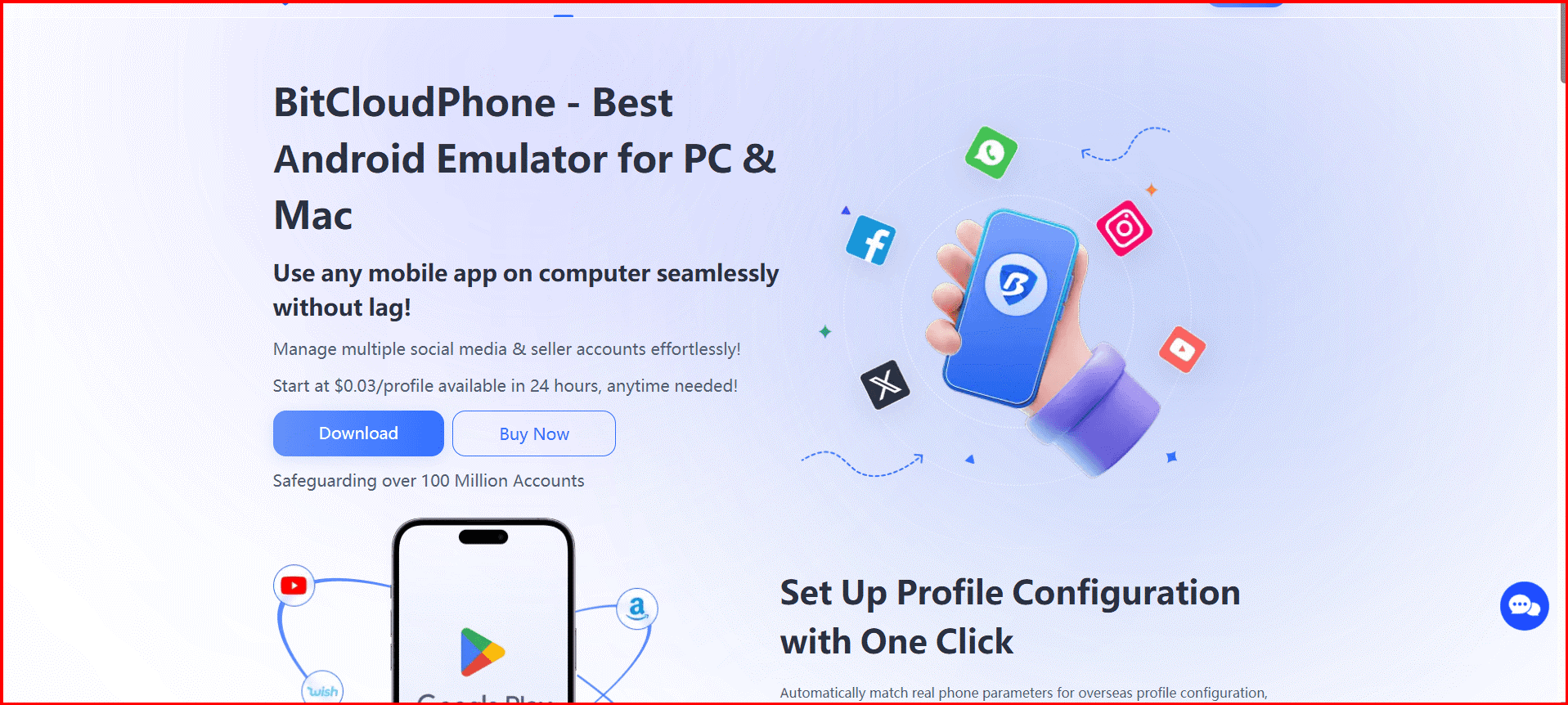
Browser fingerprinting covers the desktop and mobile-web side of things. It doesn't help much once TikTok, Instagram, or WhatsApp are running as native apps, checking hardware identifiers a browser can't fake. That's the gap BitCloudPhone is built for: cloud-hosted Android environments that run real mobile chipset parameters instead of emulated ones, matching language, timezone, carrier, and SIM data automatically to whatever proxy you bind the device to.
Each cloud phone profile runs Android 12 or 15, supports app installs from Google Play or a sideloaded APK, and can be handed ADB or root access for teams running their own scripts. Pricing is usage-based — around $0.03 per profile per 24 hours on the pay-as-you-go plan, or a subscription tier starting near $2 a month per profile plus compute — so testing a handful of accounts doesn't require committing to a big monthly bill upfront. For anyone whose bulk accounts live mostly inside apps rather than a browser tab, this is the piece that keeps the desktop antidetect setup from being only half the solution.
Putting the pieces together
The workflow that actually holds up looks like this:
- Source verified or aged accounts from a marketplace like AccsBulk so you're not starting from zero trust.
- Assign each one its own isolated profile in BitBrowser — or BitCloudPhone if the platform lives in a native app.
- Match the proxy location to the account's registration details.
- Warm each account up gradually instead of running full activity from day one.
Skip the sourcing step and you're manually registering and verifying accounts one at a time, which doesn't scale. Skip the isolation step and even a stack of aged accounts collapses back into the same device-fingerprint pattern that gets fresh accounts banned. Both pieces are doing separate jobs, and neither one is optional if the goal is accounts that survive past week one.
Common questions
Do I need an antidetect browser if I buy aged accounts?
Yes. Account age helps pass the trust checks platforms apply to new signups, but it does nothing to stop the platform noticing that multiple accounts share one device fingerprint and IP. Aged accounts in an identical environment still get linked and banned together — the browser handles that separate layer.
Why do brand-new accounts get banned so quickly?
A fresh account has nothing a trust algorithm can use to vouch for it — no history, no follow graph, no device consistency. When several new accounts also open from the same laptop with the same fingerprint and IP block, the pattern is obvious and the ban usually lands within the first week.
What about accounts that live inside mobile apps like TikTok or WhatsApp?
Browser fingerprinting only covers desktop and mobile-web sessions. Native apps check hardware identifiers a browser can't influence — that's what cloud-phone environments like BitCloudPhone are built for, with real chipset parameters matched to the proxy's language, timezone, and carrier data.